Everything a long piece of writing needs.
Attente has the structure of the long-form apps writers know, a calm page, and readers in the margin at every stage of the work. Here is all of it.
The ideas behind it
Five things that make Attente different, each with a page of its own.
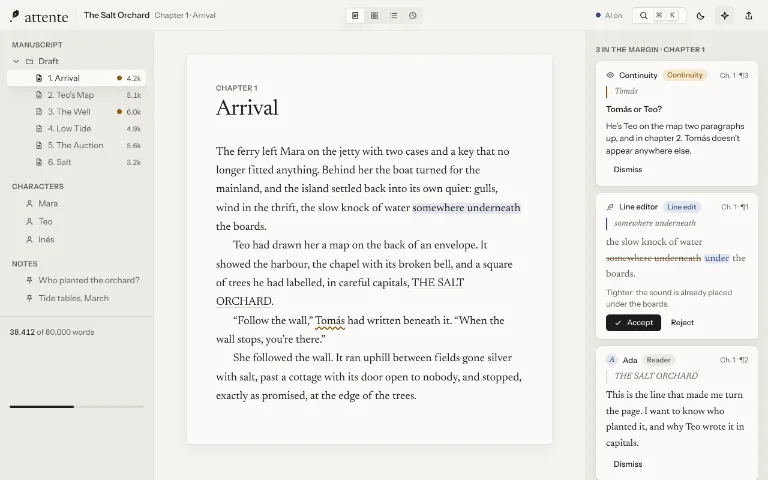
The margin
Readers who know your book as well as you do.
Read more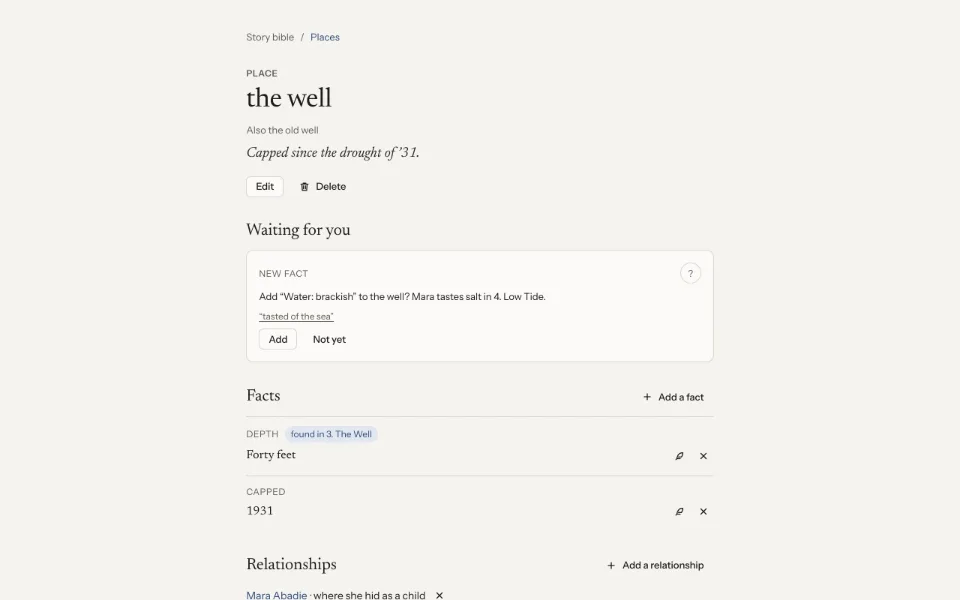
Story bible and continuity
Your book remembers, so you don't have to.
Read more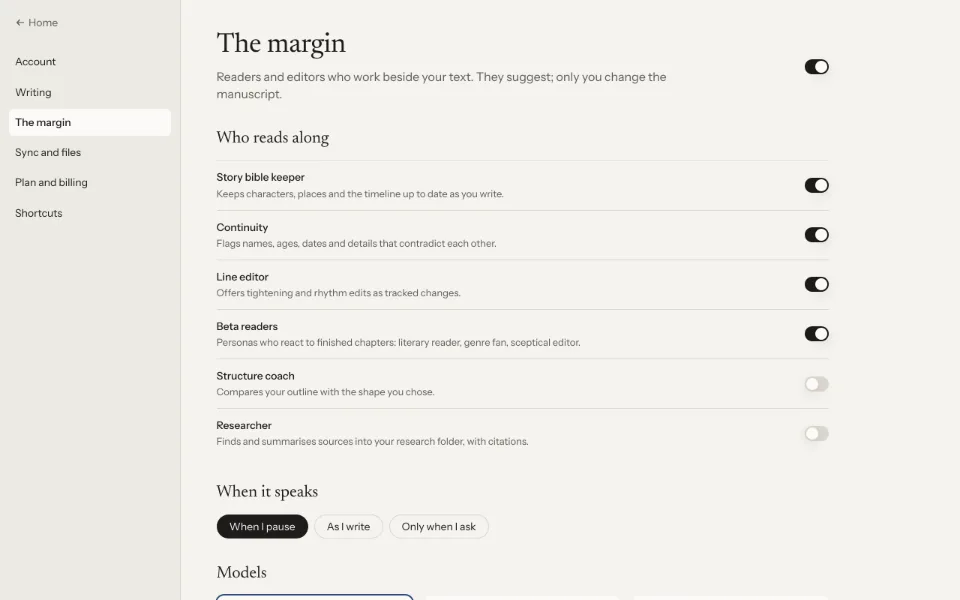
Private and local-first
Your manuscript lives with you.
Read more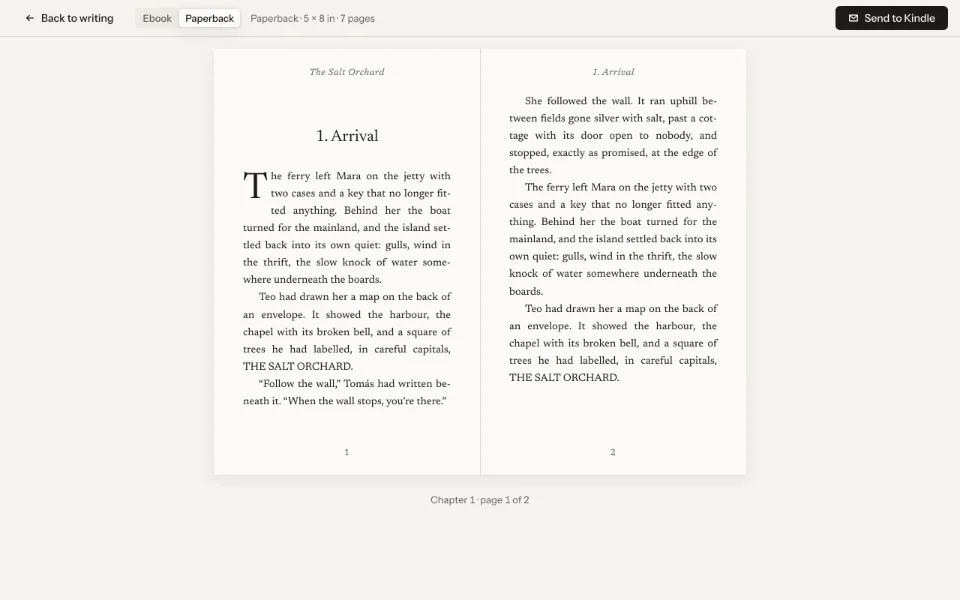
Export and publishing
From the last full stop to the inbox.
Read more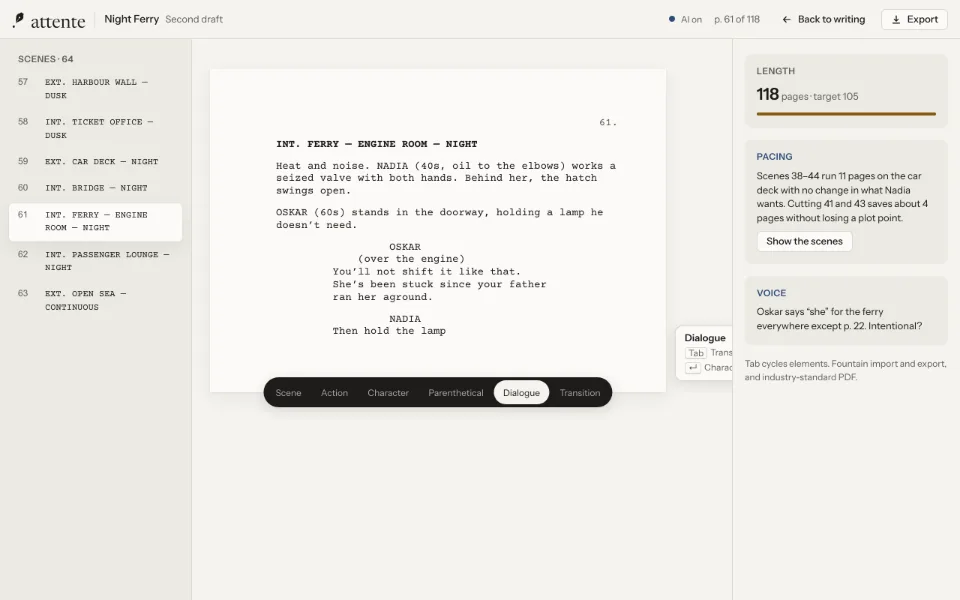
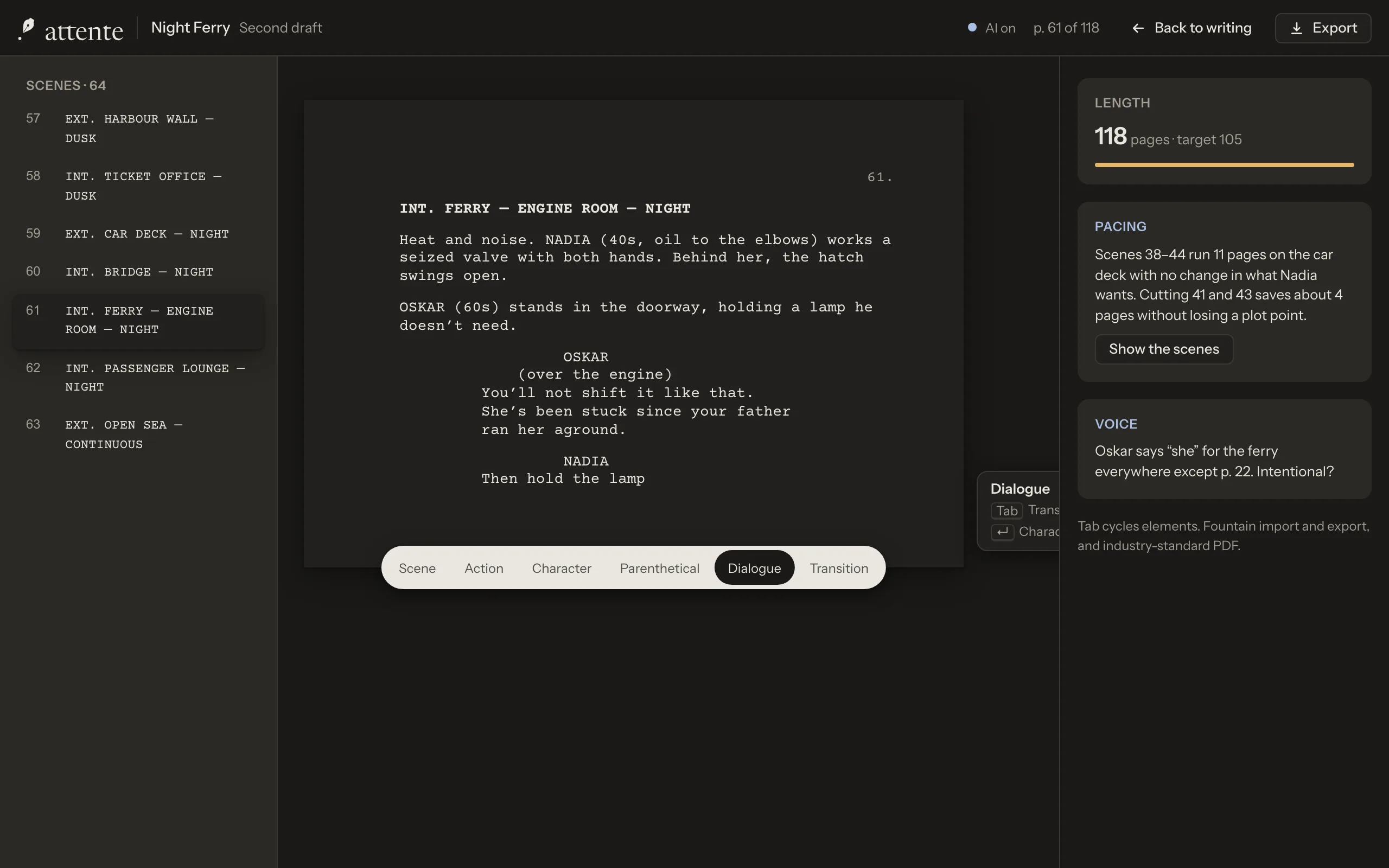
Screenplays and games
Every form, with the page it deserves.
Read more



Plan
Find the shape of the thing before, during and after you write it. Every view is the same manuscript, seen another way.

The binder
Chapters, scenes, notes and research in one tree, in your order.
Corkboard and outline
Index cards with synopses, or a table with point of view, status and words.
![]()
Story bible
Characters, places and things, kept up to date as you write, each new fact waiting for your yes.
Timeline
Story order against book order, so flashbacks and parallel threads stay straight.
Plot threads
Every thread braided scene by scene, with a quiet flag where one goes missing.
Characters
Who they are, how they speak, and every scene they're in.
World rules, maps and glossary
The rules of your world, places pinned on your maps, and the words only your world uses.
![]()
Research
Clippings, PDFs and web pages kept in the project, readable offline.
![]()
Structure coach and tension
Your book against the beat sheet you choose, and its tension scene by scene.
Scene goals
Goal, conflict and outcome for every scene, or reaction, dilemma and decision.




Write
A page, and nothing else, until you ask. Nothing on the screen moves unless you make it.

![]()
Attention mode
Only the page and the paragraph you're in. Everything else waits.
![]()
Typing sounds
A typewriter, a soft mechanical keyboard or felt, quiet and never in the way. Off until you choose one.
Spelling and grammar on the device
Checked on your computer, in English and French. Nothing is sent.
Focus and typewriter scrolling
Everything but the sentence or paragraph you're in softens, and typewriter scrolling keeps your line still.
Sprints and goals
A still timer, word targets and deadlines that don't nag.
Style lens
Adverbs, passive voice, repeated words and long sentences, when you want to see them.
Selection actions
Reword, shorten or find another word, offered as tracked changes you accept.
Split editor
Your research and notes open beside the chapter, in tabs, while you write.
Placeholders
Type TK for anything to come; every one is listed, and export reminds you.
![]()
Dictation on the device
Speak a draft. The audio never leaves your computer.




Revise
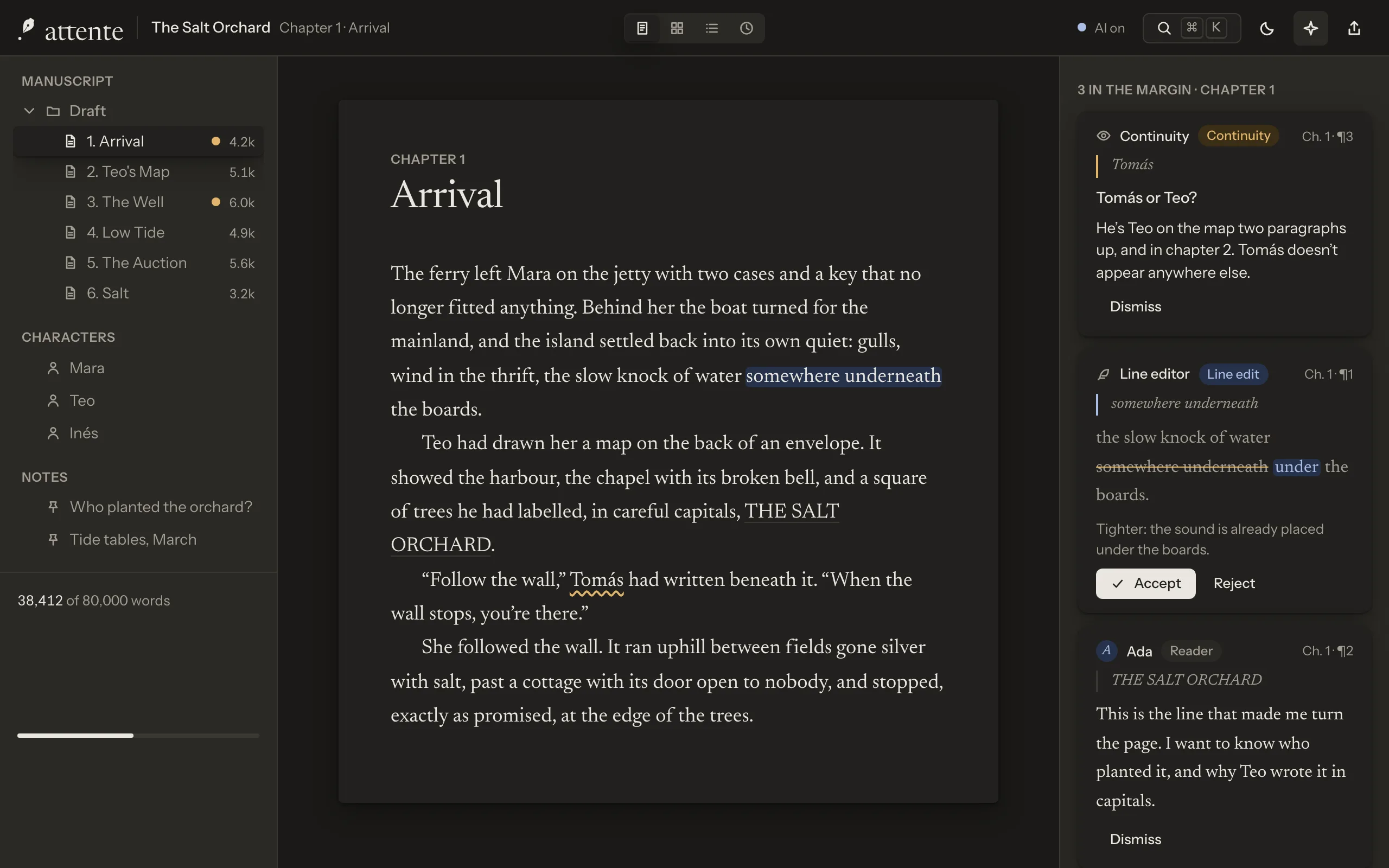
The readers in the margin do their best work here: they notice, they explain, and you decide.

![]()
Continuity
Names, eye colours, dates and ages that contradict each other, with both places shown.
![]()
Line edit
Tightening and rhythm, as tracked changes with a reason for each.
![]()
Beta readers
A literary reader, a genre fan and a sceptical editor react to finished chapters.
![]()
Point of view, tense and voice
Slips in viewpoint and tense, and lines that don't sound like the character.
![]()
Setups and payoffs
A ledger of the promises your book makes, and the ones it hasn't kept yet.
![]()
Story so far
A synopsis per chapter kept current, and a quiet recap when you come back.
![]()
Ask your manuscript
Questions about your own book, answered with the passages that answer them.
![]()
Editor's letters and passes
Notes from an editor turned into tasks, and revision passes as checklists.
Drafts and history
Scrub back through a chapter's history, keep snapshots, compare whole drafts.
![]()
Listen to your book
Hear a chapter read aloud by voices that run on your computer, with a cast for your characters.









Publish
From the last full stop to the submission inbox, with your words in files you own.
![]()
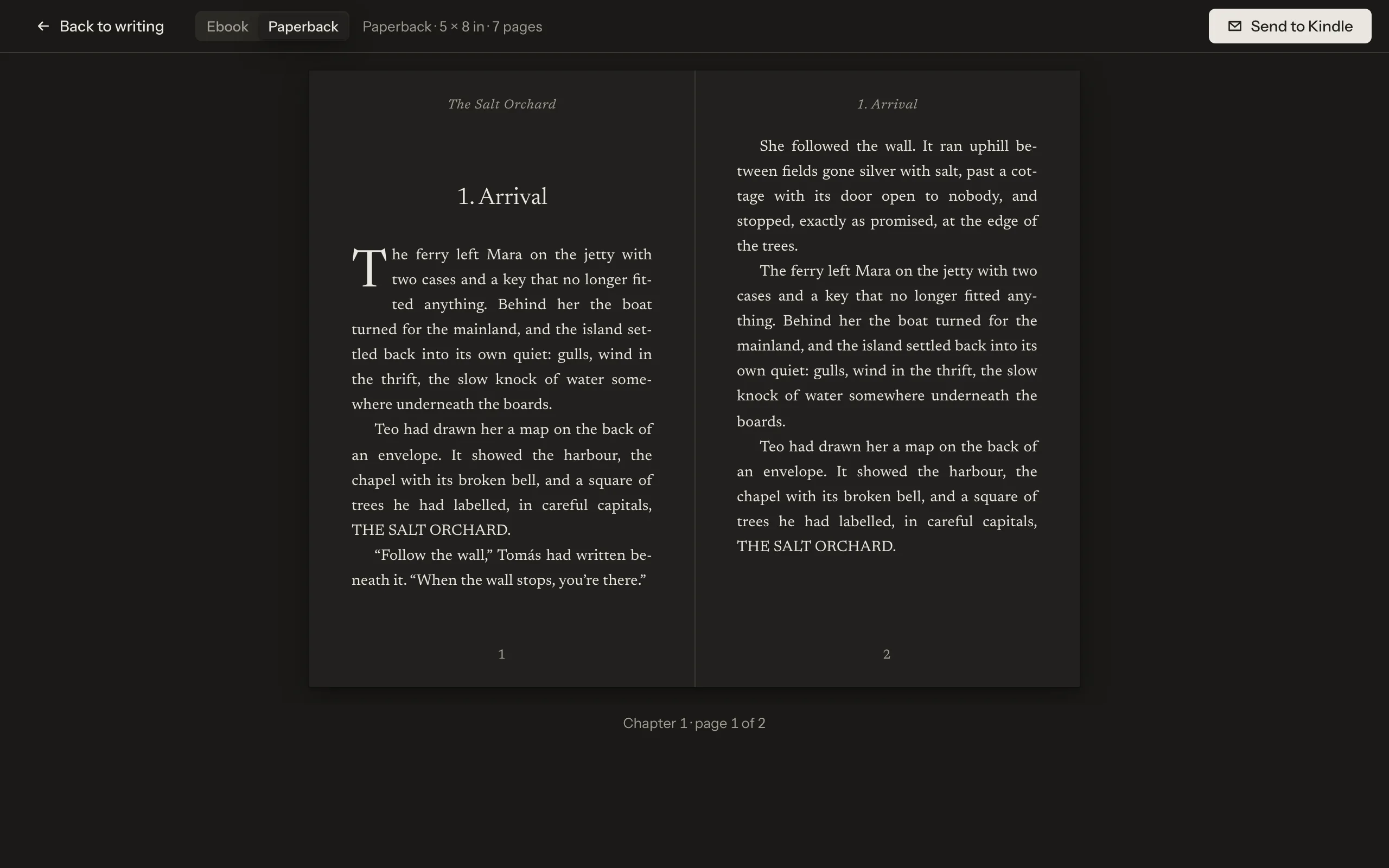
Typeset paperback and EPUB
A book you can turn the pages of, and an ebook checked for the stores.
Submission manuscript
Standard manuscript format, checked, with the fixes you choose.
Plain text, always
Every project out as plain text or Markdown, with no account and no plan.
Reader preview and Send to Kindle
Read your draft as a reader will, on screen or on your e-reader.
Pitch kit
Synopsis, blurb and query letter helpers, each in a document you edit.
![]()
Submission tracker
Agents and publishers queried, what you sent, and what came back.
Fountain and Ink
Screenplays out as Fountain, and game scripts as Ink, for the tools that read them.


Try Attente free for 7 days.
Download it for macOS, Windows or Linux, or open it in your browser. When it's earned its place, one licence covers every computer you write on.